
Home / Watchfaces / Violet Tungsten
Bold Color Available
Violet Tungsten
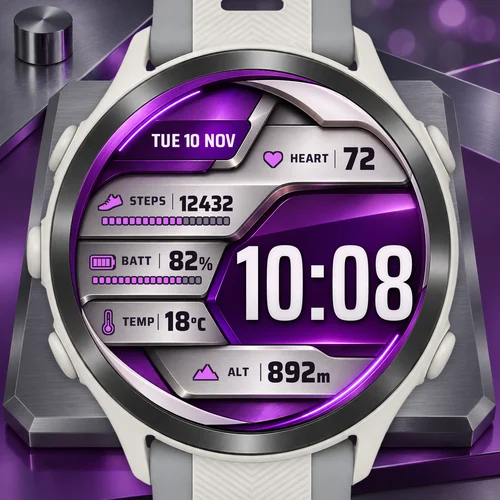
Every hour, layered in tungsten.
Heavy plates of brushed silver tungsten slide in angular layers over a glossy metallic violet surface, edged by thin violet light lines. Large white digits sit on the violet at the right, the date rests on a violet plate at the top, and the silver plates hold five data fields in dark type. Change the accent color and only the icons and the lit progress segments follow it, while the tungsten plates, the violet metal, the light lines, the time and the text stay exactly as they are. Temperature comes from your phone’s weather or your watch’s sensor. The battery icon drains level by level, turns red under 20% and blinks at 10% or less.
Color: Tungsten Violet
Get watchface · $2.99
Install it from your phone
Scan with your phone's camera. The Connect IQ Store opens on your phone, where you install it straight to your watch.
- 1Scan the code with your phone
- 2Tap Install in Connect IQ
- 3Your watch gets it on the next sync
How to install
- 1Tap Get watchface: the Connect IQ Store opens.
- 2Tap Install. Your phone sends it to your watch.
- 3On the watch, the face turns on by itself. Change colors and data in Connect IQ.
Complete the look.
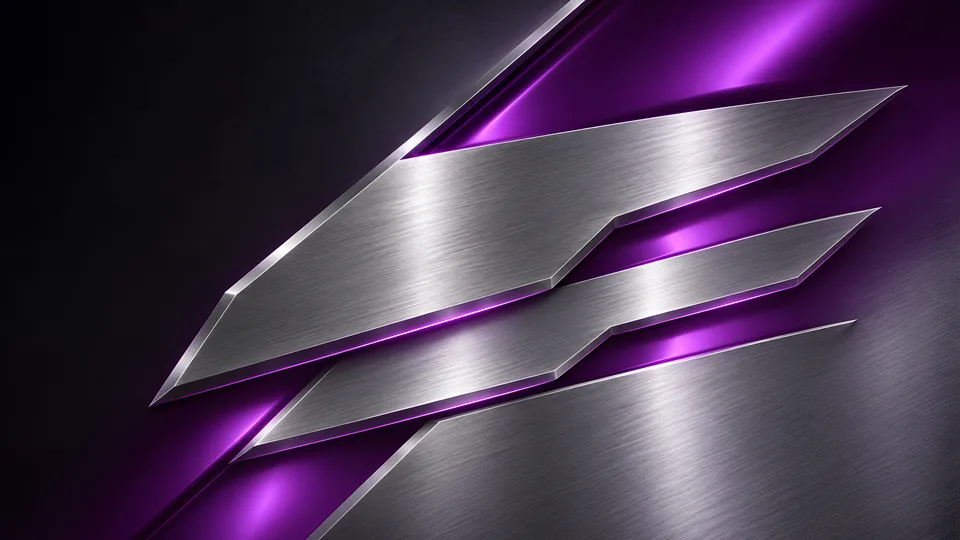
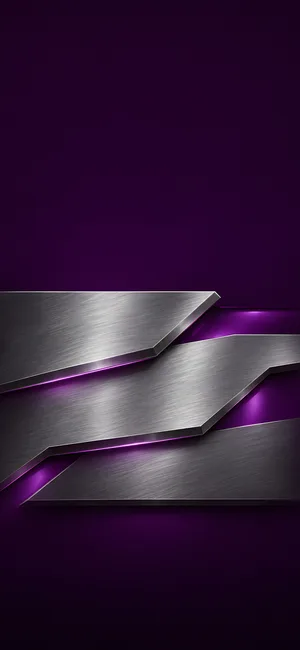
Matching wallpapers for your desktop and phone, designed with the same art as the watch face.
Color: Tungsten Violet
4K · MacBook · Ultrawide
iPhone · Android
Available on Garmin Connect IQ · 44 round AMOLED watches
Need help? [email protected]
Features
What's inside
Tungsten plates on violet
Heavy brushed silver tungsten plates in angular layers over glossy metallic violet with thin violet light lines, with a large white time.
5 accent colors
Tungsten Violet, Ion Cyan, Volt Lime, Ice White and Magenta Pink recolor the icons and the lit progress segments; the tungsten and the violet metal stay as they are.
5 fields + progress bars
Steps, heart rate, battery, calories, distance, floors, active minutes, Body Battery, stress, altitude or temperature, or turn a field off. Steps and battery also get segmented progress bars.
Always-On
Two styles, Classic or Big numbers, with 3 brightness levels, shifting every minute.
From the Garmin Connect IQ Store
Customer reviews
Gallery
See it in action
More watchfaces
More like this
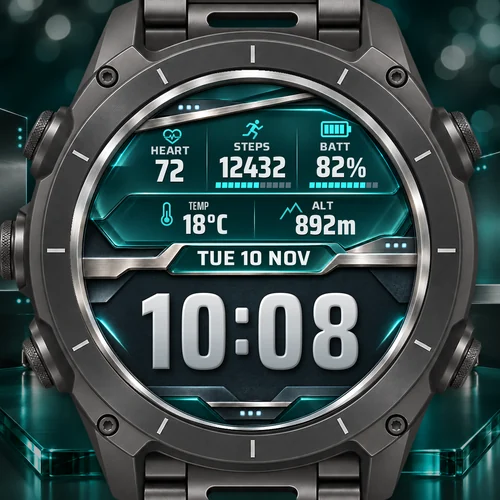
Nickel Horizon
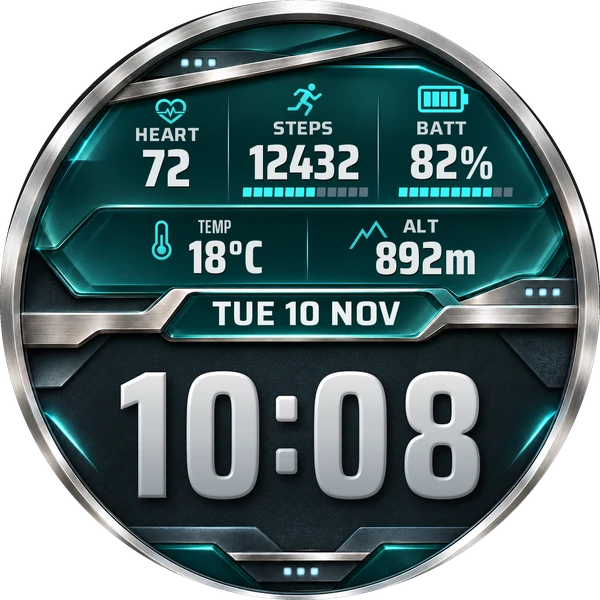
A digital face in nickel: a polished nickel bezel with bands of dark teal glass and brushed steel crossing the dial, a big brushed-nickel time with real depth and five data fields with segmented progress bars.
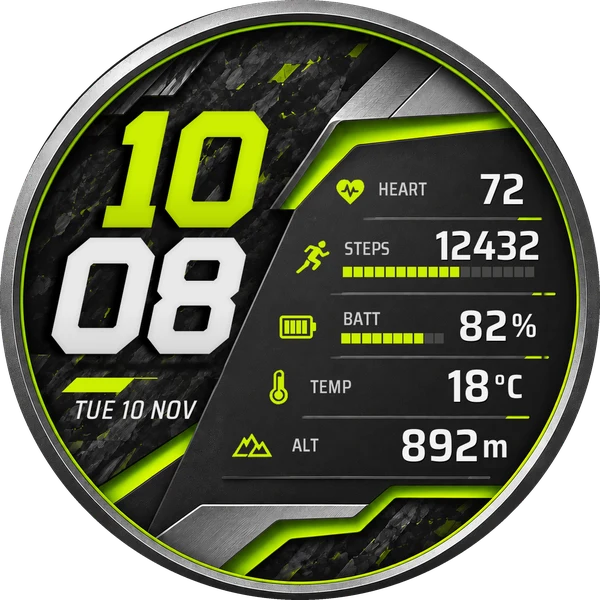
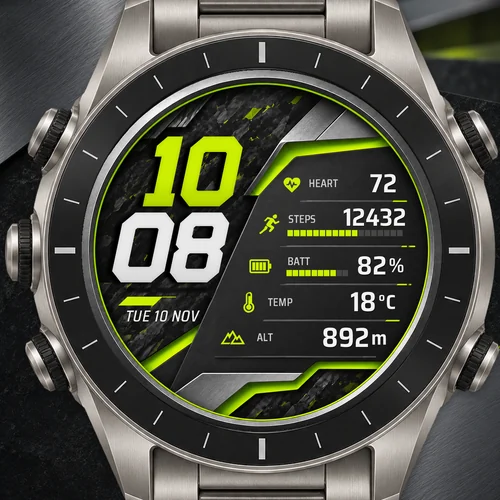
Volt Strata
A digital face in metal and stone: sharp diagonal strata of brushed metal and dark speckled stone with glowing lime light cuts, a bold stacked italic time and five data fields.
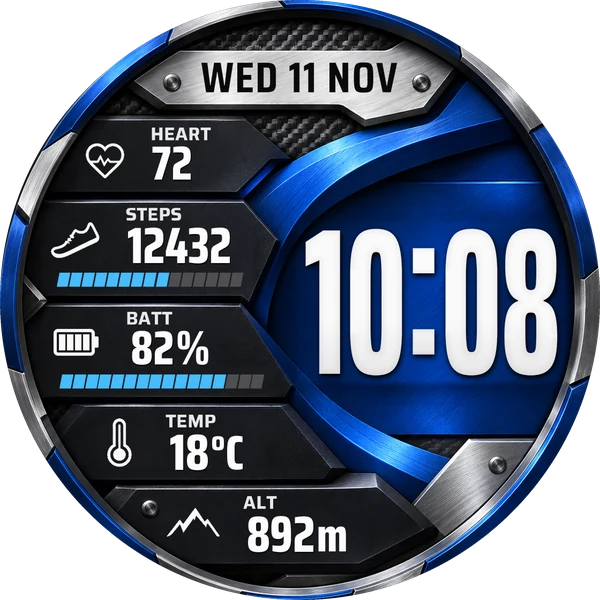
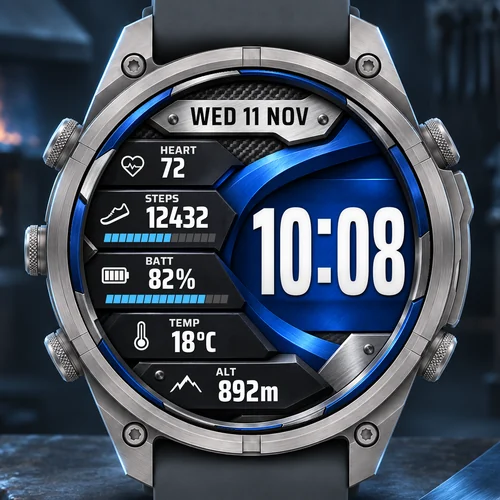
Cobalt Anvil
A digital face in cobalt: curved blades of brushed cobalt-blue metal over riveted steel plates and carbon fibre, a large white time and five data fields with segmented progress bars.
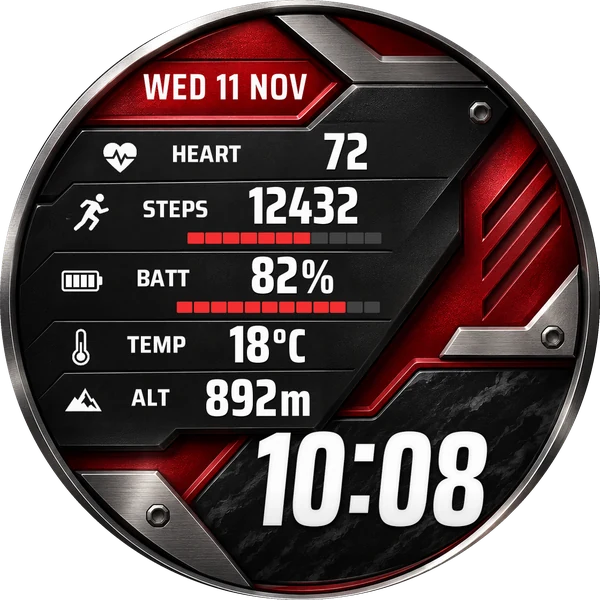
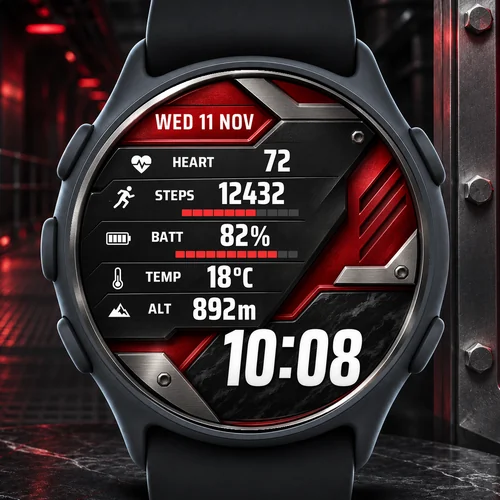
Crimson Bulkhead
A digital face in crimson steel: crimson red metal sheets bolted into brushed steel frames over black marble, a large italic white time and five data fields with segmented progress bars.