
Home / Watchfaces / Deepwater Console
Performance Available
Deepwater Console
Every hour, full depth.
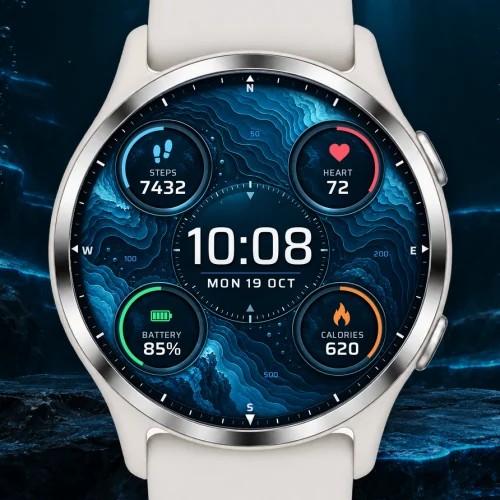
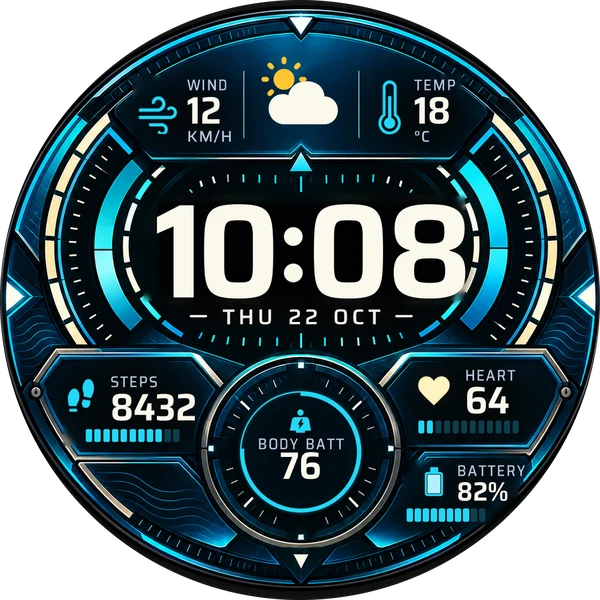
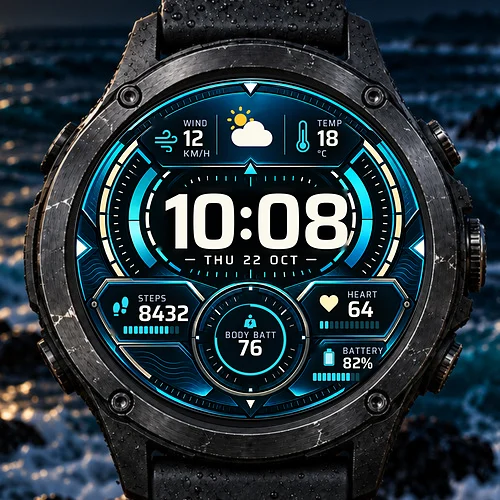
A deep-ocean floor rises in blue bathymetric terraces under a compass bezel with depth marks. The time and date sit in a central instrument ring, and four round gauges around it show your data, each with a progress ring in its own color that follows a real goal or range: your daily step goal, your battery charge, a heart rate range and more. The accent color tints the compass marks and the depth numbers. Temperature comes from your phone’s weather or your watch’s sensor. The battery icon empties with your charge, turns red under 20% and blinks at 10% or less.
Color: Ocean Blue
Get watchface · $1.99
Install it from your phone
Scan with your phone's camera. The Connect IQ Store opens on your phone, where you install it straight to your watch.
- 1Scan the code with your phone
- 2Tap Install in Connect IQ
- 3Your watch gets it on the next sync
How to install
- 1Tap Get watchface: the Connect IQ Store opens.
- 2Tap Install. Your phone sends it to your watch.
- 3On the watch, the face turns on by itself. Change colors and data in Connect IQ.


Complete the look.
Matching wallpapers for your desktop and phone, designed with the same art as the watch face.
Color: Ocean Blue
4K · MacBook · Ultrawide
iPhone · Android
Available on Garmin Connect IQ · 44 round AMOLED watches
Need help? [email protected]
Features
What's inside
4 progress-ring gauges
Steps, heart rate, battery, calories, distance, floors, active minutes, Body Battery, stress, altitude or temperature, each ring filling toward its goal or range.
Deep-ocean bathymetry design
Blue seafloor terraces, a compass bezel with depth marks and a central instrument ring.
5 accent colors
Ocean Blue, Aqua, Arctic White, Coral and Teal tint the compass marks and depth numbers.
Always-On
Two styles, the outlined time and date or big numbers with battery and date, with 3 brightness levels, shifting every minute.
From the Garmin Connect IQ Store
Customer reviews
Gallery
See it in action
More watchfaces
More like this
Volt Terrain
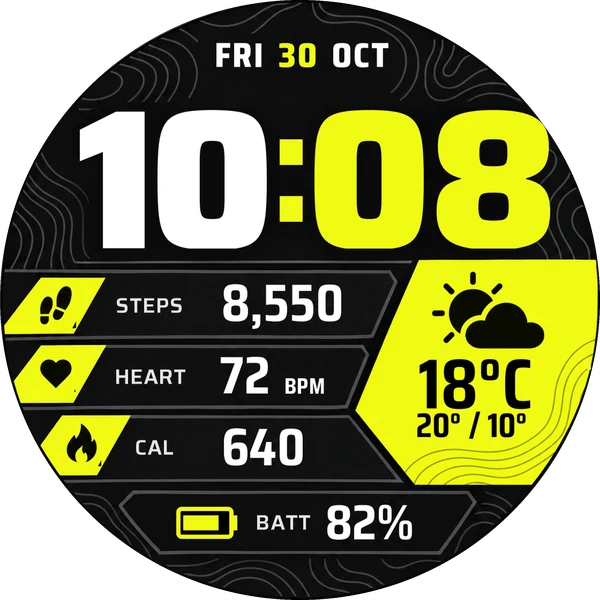
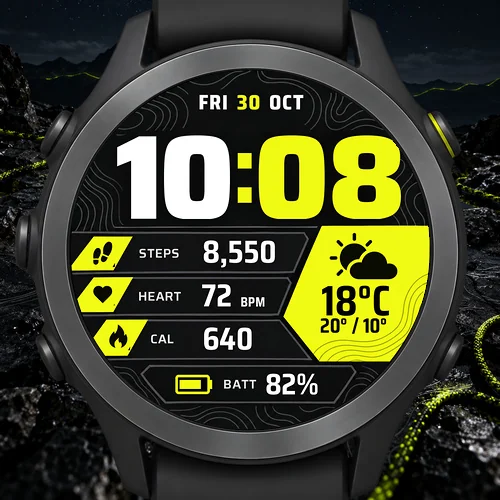
A topographic sport face: big white time, three data plates, a weather panel and a battery that drains with your charge.
Aero Instrument
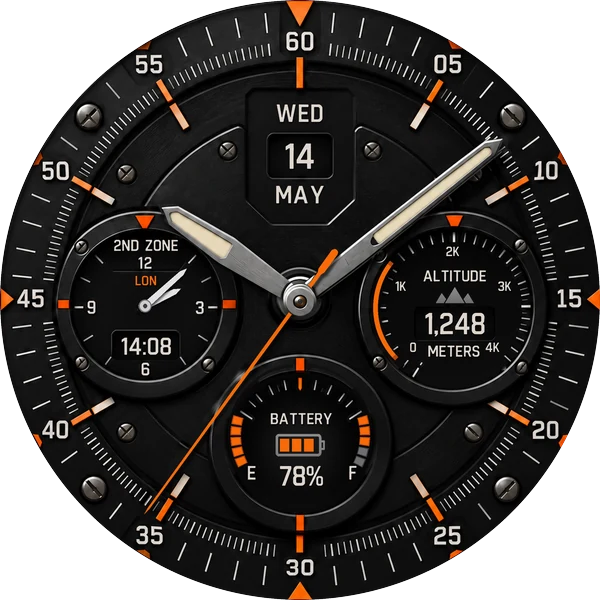
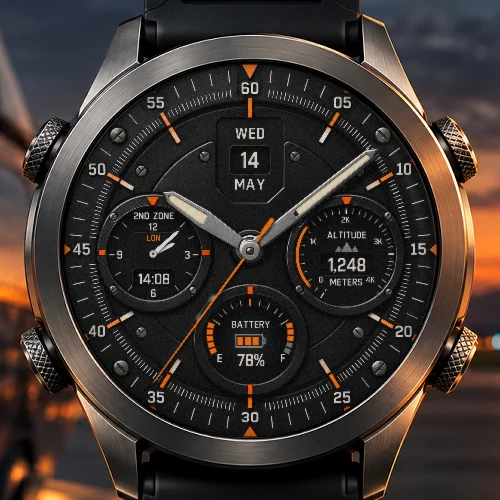
A cockpit-style analog face with a second time zone and two live gauges.
Tidal Instrument
A nautical instrument panel: big white time, wind and temperature up top, two panels with segmented bars and a round center dial with a progress ring.
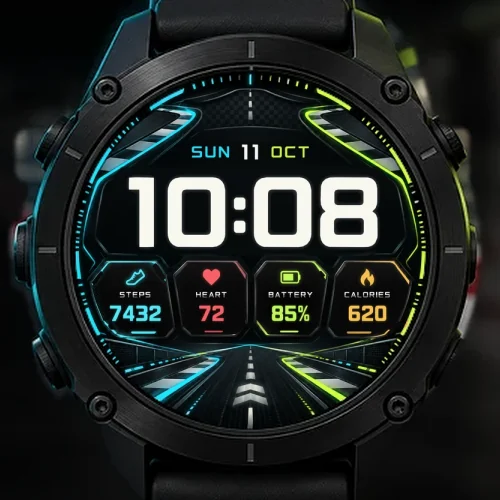
Apex Vector
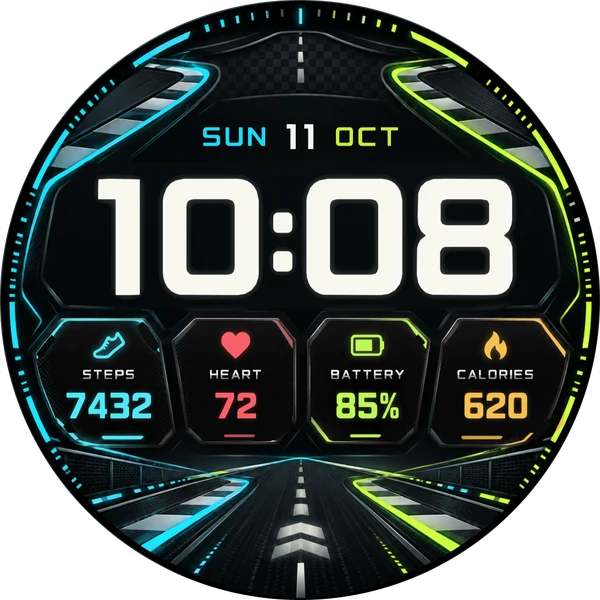
A night race track with neon lights on both sides, a big bright time and four color-coded data panels.