
Home / Watchfaces / Fern Ridge
Outdoor & Places Available
Fern Ridge
Time, unfurled.
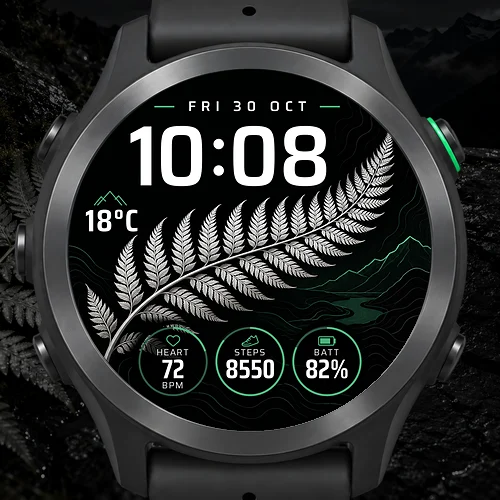
An engraved silver fern frond sweeps across a black landscape, above a mountain ridge and a winding river traced in fine lines of light. Big white digits and a widely spaced date sit at the top, the current temperature with a small mountain icon on the left, and three ring gauges at the bottom fill with your progress toward each goal. Pick one of five accent colors, and the ridge and river change with it.
Color: Fern Green
Get watchface · $1.99
Install it from your phone
Scan with your phone's camera. The Connect IQ Store opens on your phone, where you install it straight to your watch.
- 1Scan the code with your phone
- 2Tap Install in Connect IQ
- 3Your watch gets it on the next sync
How to install
- 1Tap Get watchface: the Connect IQ Store opens.
- 2Tap Install. Your phone sends it to your watch.
- 3On the watch, the face turns on by itself. Change colors and data in Connect IQ.
Complete the look.
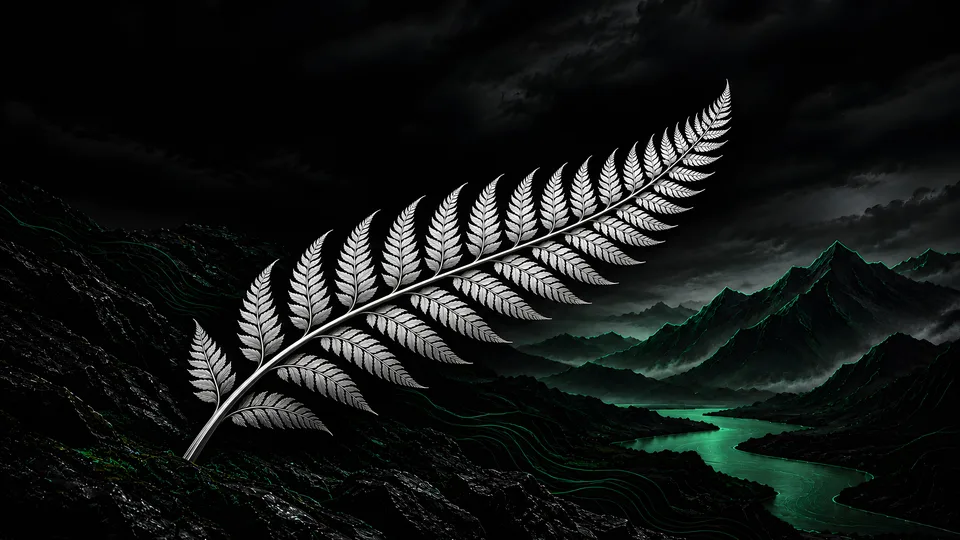
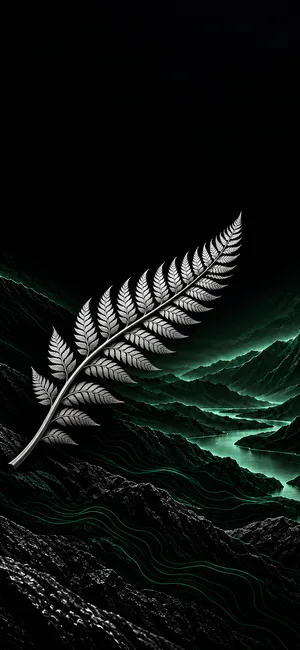
Matching wallpapers for your desktop and phone, designed with the same art as the watch face.
Color: Fern Green
4K · MacBook · Ultrawide
iPhone · Android
Available on Garmin Connect IQ · 44 round AMOLED watches
Need help? [email protected]
Features
What's inside
5 accent colors
Fern Green, Glacier Blue, Kowhai Gold, Pohutukawa Red and Silver Mist color the rings, the icons, the date lines and the ridge and river in the background.
3 custom ring gauges
Steps, heart rate, battery, calories, distance, floors, active minutes, Body Battery, stress, altitude or sunrise/sunset, or turn a ring off. Each ring fills with your progress.
Current temperature
The temperature from your phone's weather, next to a small mountain icon.
Always-On
Two styles, the outlined time with the date or big numbers with battery and date, with 3 brightness levels, shifting every minute.
From the Garmin Connect IQ Store
Customer reviews
Gallery
See it in action
More watchfaces
More like this
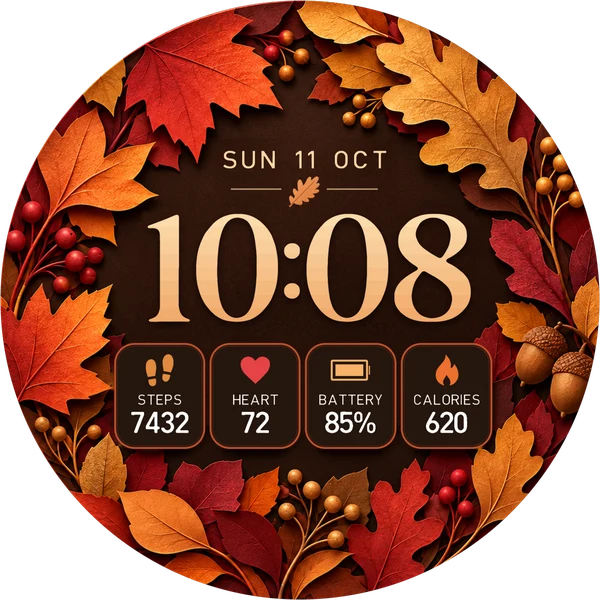
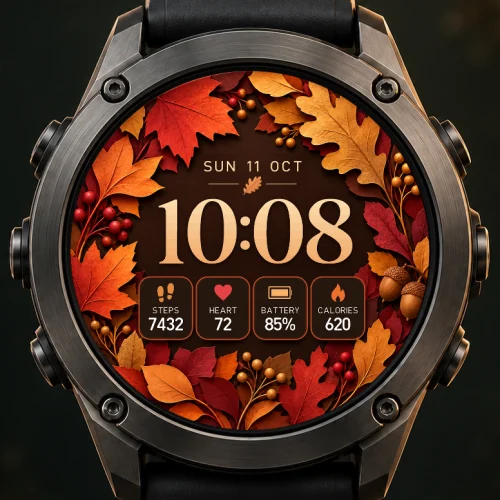
Four Seasons
Four illustrated seasons, elegant serif time and four data boxes.
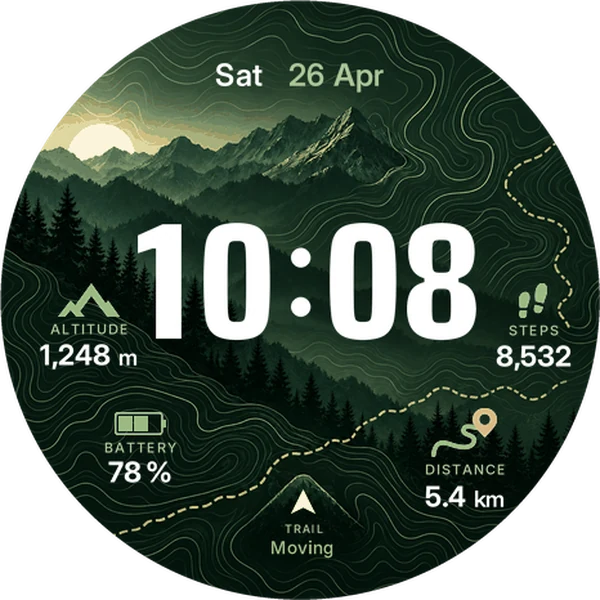
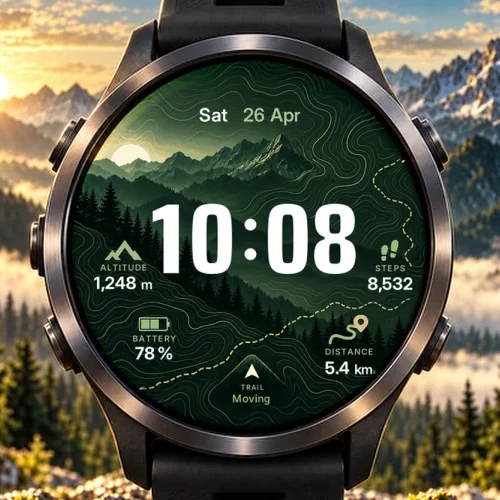
Trail Contour
Painted mountains, contour lines and an auto day/night theme.
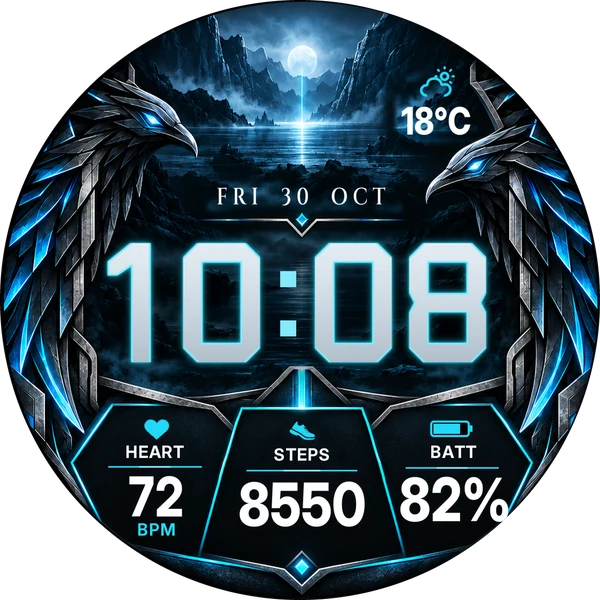
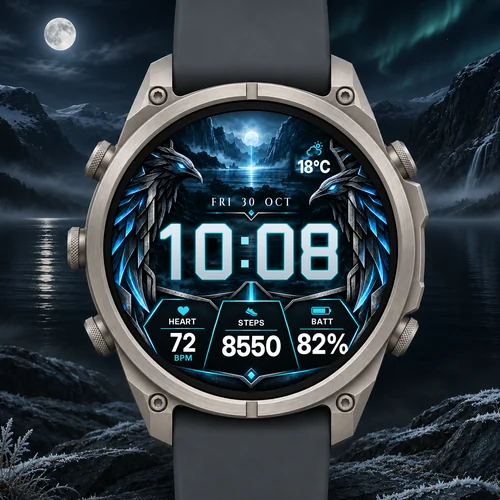
Raven Forge
Two steel ravens guard a moonlit fjord around big steel time, with the weather on top and three forged data panels.
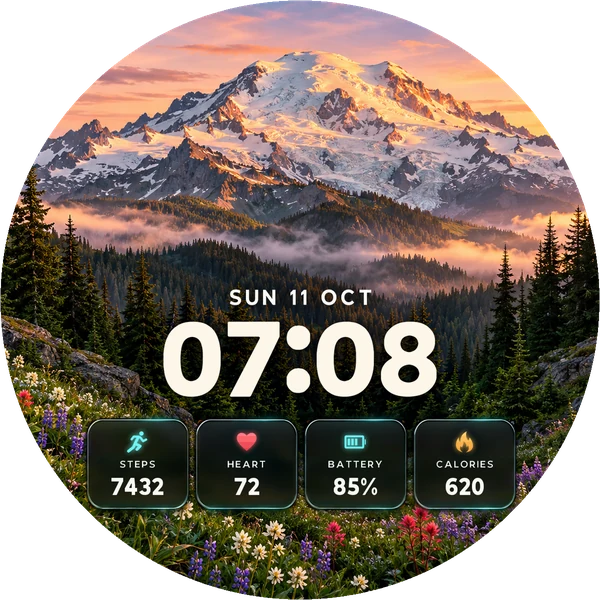
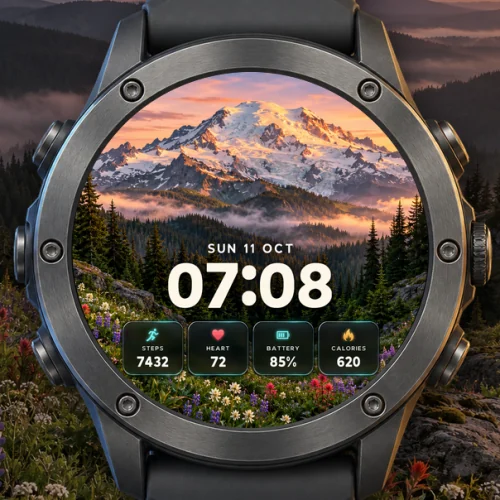
Rainier Horizon
Mount Rainier above misty valleys and wildflower meadows, from pink dawn to starry night.